


Skip to content
Why Root3
The strategic partner for your Apple IT. We don’t sell hardware, but we do offer honest advice and a robust, secure working environment.
Partners
We work with the leading tech brands, such as Apple, Jamf and Microsoft. This enables us to integrate Apple seamlessly and securely into any environment.
Careers
Are you passionate about Apple and IT? Join our close-knit team of experts. Discover challenging projects, plenty of opportunities for growth and a unique culture.
Apple Premium Technical Partner
We are part of a select group of IT partners with Apple Premium Technical Partner status. This is the highest level of recognition within the global Apple Partner Network.

For your organisation, this means rock-solid guarantees: you’ll be working with certified experts who know the complex Apple business environment inside out. We combine this exclusive expertise with our ISO certifications to build an IT foundation that simply works and provides maximum security.
Managed Services
Proactive management of the Apple workplace. We take care of all your IT needs, so you can focus 100 per cent on your organisation.
Security
Security for all Apple devices. Protect your data and comply with regulations, without compromising on the ultimate Apple convenience.
Maintenance
Preventative maintenance of the IT environment. Through regular checks and updates, we keep all systems secure and up-to-date.
Help Desk Support
Fast IT support for the whole team. Get in touch with our Apple experts straight away for personalised assistance, either remotely or on-site.
Projects
Targeted delivery of IT projects. From an insightful QuickScan to a smooth migration with immediately measurable results.
Secondment
Flexible support for your IT team. Bring in temporary expertise in Apple products and a can-do attitude to help you achieve your goals more quickly.
Blog
Apple IT knowledge and tips. Optimise your business IT environment straight away.
Newsletter
Want to stay ahead of the game in Apple IT? Get the latest tips sent straight to your inbox.
Root3 - Managed Lifecycle Management

Device Lifecycle

We manage the entire lifecycle of your IT hardware, from initial deployment to secure disposal.

Managing hardware is more than just purchasing it

The amount of hardware grows along with your organization. Workstations, mobile devices, servers, and network equipment all have their own lifespans, warranties, and replacement schedules. Without a set process and schedule, it’s hard to keep track of everything.

Purchasing, registration, onboarding, replacement, and phasing out hardware are time-consuming tasks. Equipment remains in use for too long or gets stored away in a closet, while its residual value decreases and any remaining data can pose a risk. Managed lifecycle management gives you control over this process.


Every IT asset properly managed

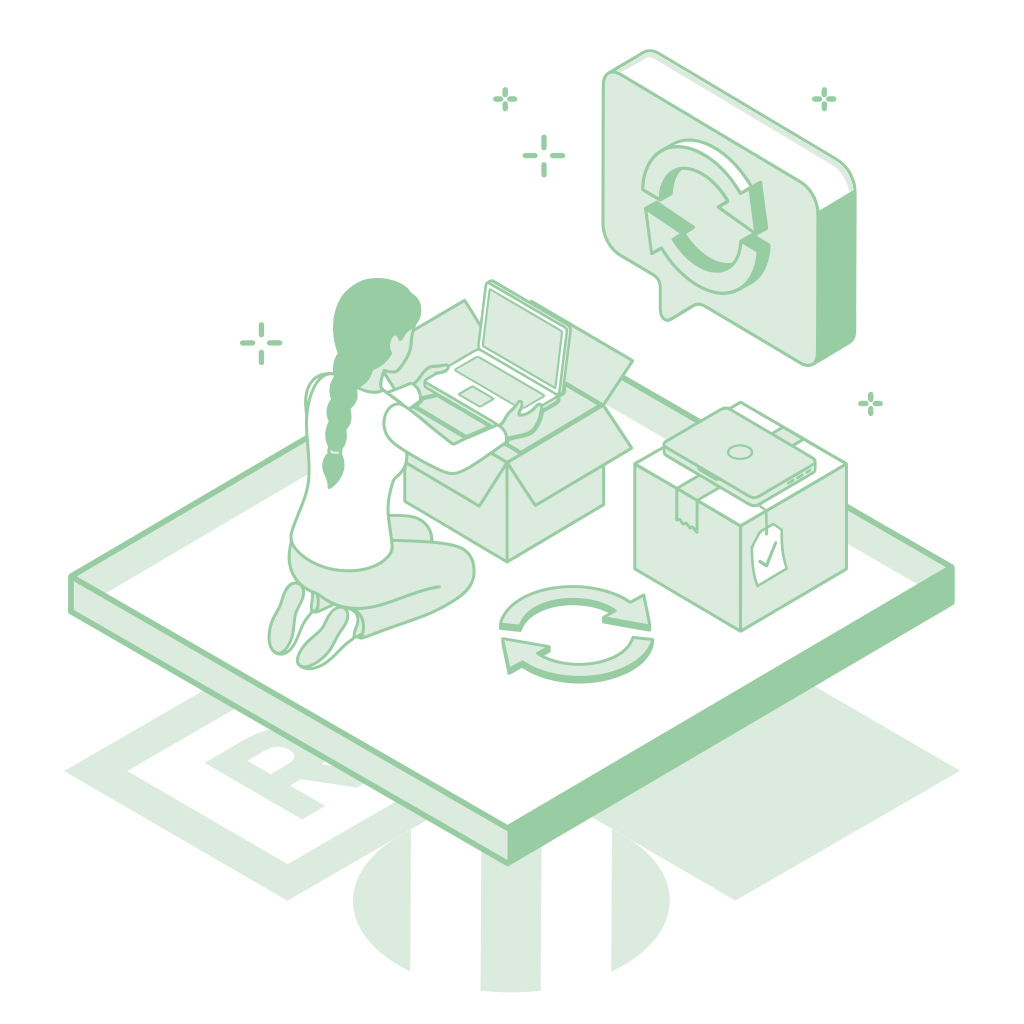
With Managed Lifecycle Management, we bring structure to the entire lifecycle of your IT hardware—from workstations and mobile devices to servers and network equipment.

We inventory assets, track warranties and replacement schedules, and manage the processes for commissioning, repurposing, and disposal. For Apple devices, we automate deployment using Zero-Touch Deployment.

For purchasing, financing, trade-ins, and recycling, we work with specialized suppliers. Root3 does not sell hardware itself. That’s why our advice is always independent and based on what best suits your organization.
device_lifecycle

The Benefits of Managed Lifecycle Management

Know what you have, when to replace it, and what happens to it afterward.
Predictable Investing
We provide clarity on replacement timelines and help you plan your investments in advance. We work with professional partners for purchases, leases, and financing.
Quick to Set Up
New hardware is added to the system according to a set process. Whenever possible, we automatically set up Apple devices using Zero-Touch Deployment.
Safe Phase-Out
Hardware that leaves the organization goes through a standardized process for collection, data erasure, reuse, or disposal.
Current Overview
From MacBooks to switches and servers: you know what hardware you have, where it's located, and when action is needed.
Smart Replacement
Get more out of your IT hardware. Know when hardware needs to be replaced or can be reused.

What does Managed Lifecycle Management include?

The entire lifecycle of your IT hardware in a single managed process. From workstations to servers and network equipment.

  • Purchase and Financing

    Buy, lease, or finance? We advise you on what best suits your organization and work with specialized partners to implement the solution.

  • Zero-Touch Provisioning

    We connect devices to the management environment. This allows a new Mac, iPhone, or iPad to automatically receive the correct configuration, apps, and security settings.
  • Asset Management

    We track IT assets, warranties, and lifecycle information. This way, you'll know what hardware is in use, where it's located, and when it needs to be replaced or requires attention.
  • Reuse and Disposal

    Assess whether hardware can be reused or needs to be replaced. We then coordinate data erasure, trade-ins, or recycling through specialized providers.

Is it time for a smarter hardware policy?

Keep track of all your assets. Know exactly when action is needed. Visibility into your IT hardware helps you organize the lifecycle more effectively.

Frequently Asked Questions (FAQ)

What is the advantage of Device as a Service compared to buying hardware? With Device as a Service or leasing, you spread your hardware costs over a longer period rather than making a single large upfront investment. Whether this is the best financial choice depends on your organization, the expected lifespan of the equipment, and your replacement strategy. Because Root3 does not sell or finance hardware itself, we provide independent advice on the available options.
Do you only manage the lifecycle of Apple devices? No. Managed Lifecycle Management can also include servers, network equipment, and other IT hardware. For Apple devices, we offer additional capabilities, such as automated deployment via Apple Business or Apple School Manager.
How do you ensure that a new employee can start right away? With Zero-Touch Deployment, automatic enrollment and configuration without manual intervention, IT doesn't have to manually configure a new Mac. We connect the device to the management environment through Apple Business. When it's first started up, it automatically receives the correct settings, apps, and security configuration.
What happens to the data on old hardware? That depends on the type of hardware, the chosen method, and your security policy. Data is deleted according to an agreed-upon process. When the equipment is permanently disposed of, a specialized provider can perform a certified data wipe. Where applicable, you will receive proof of this for your records or audit.
Do you also offer Managed Lifecycle Management for the education and healthcare sectors? Yes. We tailor the lifecycle process to the organization and the type of hardware. For education, we can use Apple School Manager, among other solutions. In healthcare settings, we take into account requirements related to security, shared use, and the rapid redeployment of equipment.
Should we combine this service with Managed Workplace? No. Managed Lifecycle Management takes a broader view of the lifecycle of your IT hardware, including workstations, servers, and network equipment. Managed Workplace focuses specifically on the technical management of workstations. The services do, however, complement each other well, for example, for Zero-Touch Deployment and automated device management.